Run every project from estimate to handover
Construction management software for estimates, schedules, site inspections and payment records. Keep contractors, project managers and owners working from one project record.
Need a team on the ground for your build?
Meet your construction teamOne standard of proof. Two ways to get it.
You run the build
Estimates, programme and delays, certificates and variations, the site diary, and the client's view.
For contractors, developers and project managers.
We run the build
We scope it, budget it, programme it, appoint and manage the trades, and report as it happens.
For owners and investors, on site or managing remotely.
The work was done. Proving it is the hard part.
“The client says it isn't done. I say it is. Neither of us can prove it.”
An inspector attends and files a pass or a fail with the findings. The contractor being inspected cannot change it.
“The delay wasn't ours, but I can't show that now.”
A delay is recorded the day it happens, with days lost and who was responsible. It moves the completion date with it.
“Every site update is a photo on WhatsApp with no date on it.”
The daily record carries weather, crew and hours, and becomes the week's report without rewriting.
Construction management tools, from planning to handover.
Plan the work, capture what happens on site and follow the cost. Explore the tools your team uses to keep a construction project moving.
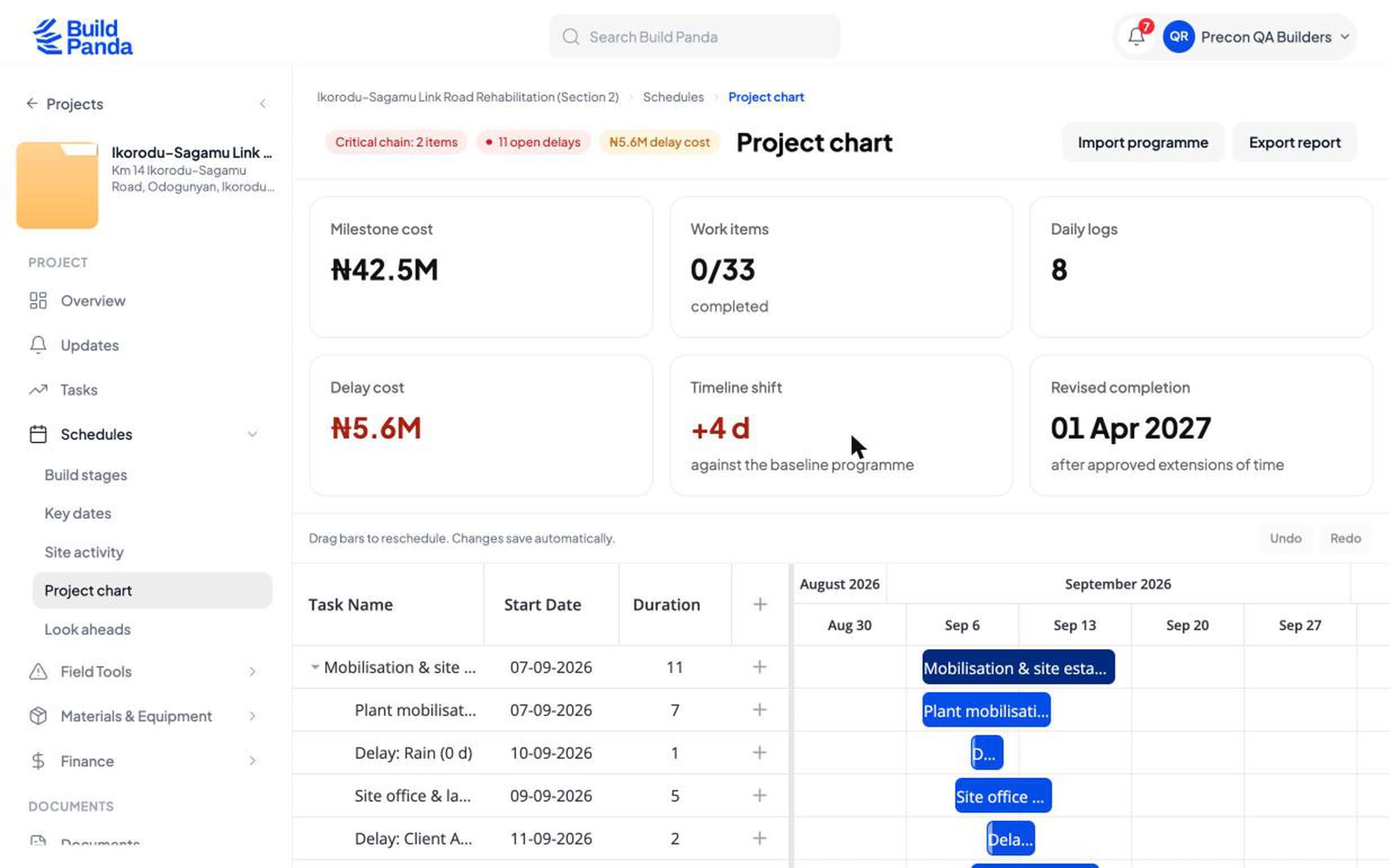
A programme that moves when the site moves
Record a delay with the days lost and who was responsible. The activity shifts, everything downstream shifts, and the completion date follows.
- Critical chain
- Delay cost
- Revised completion
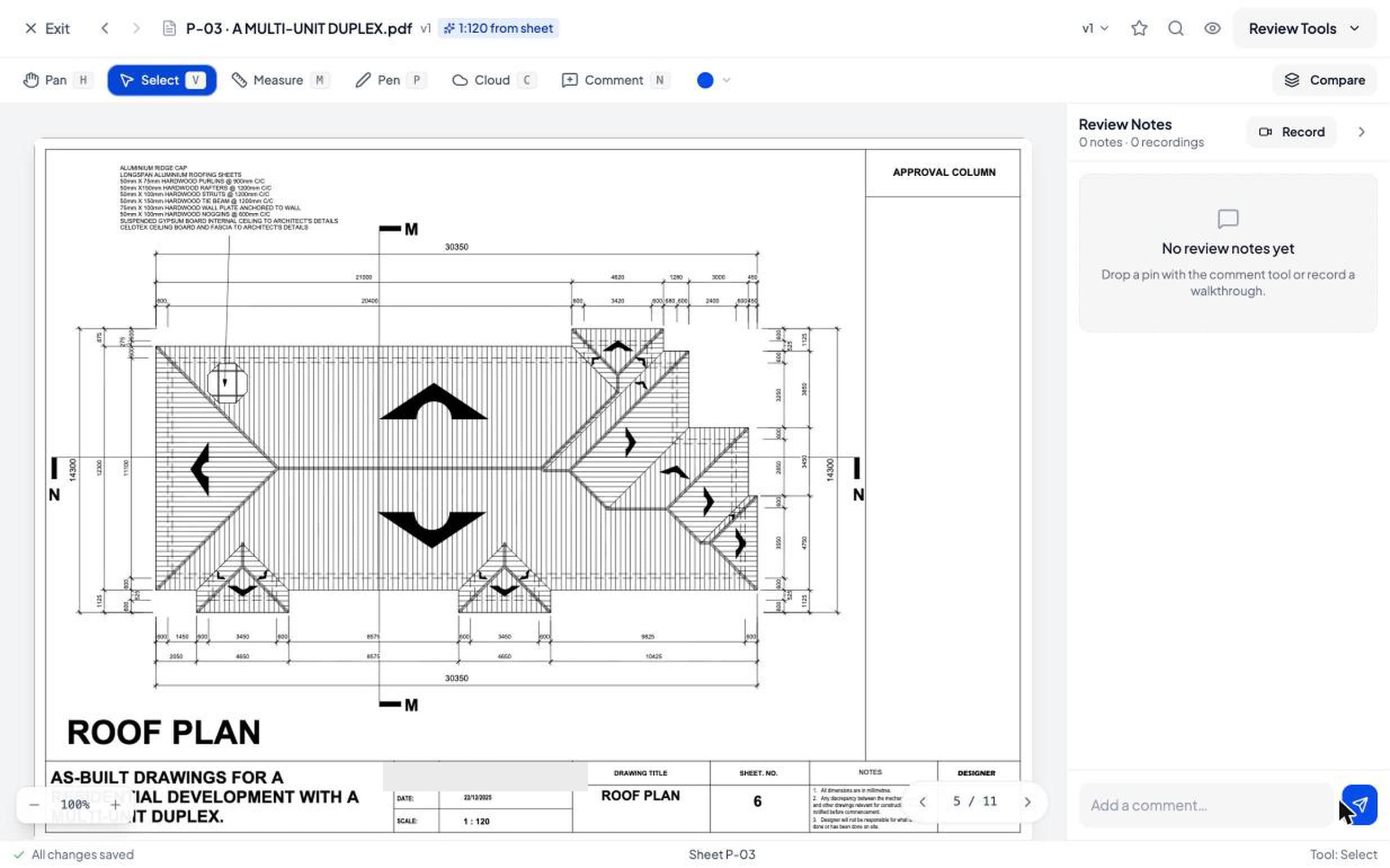
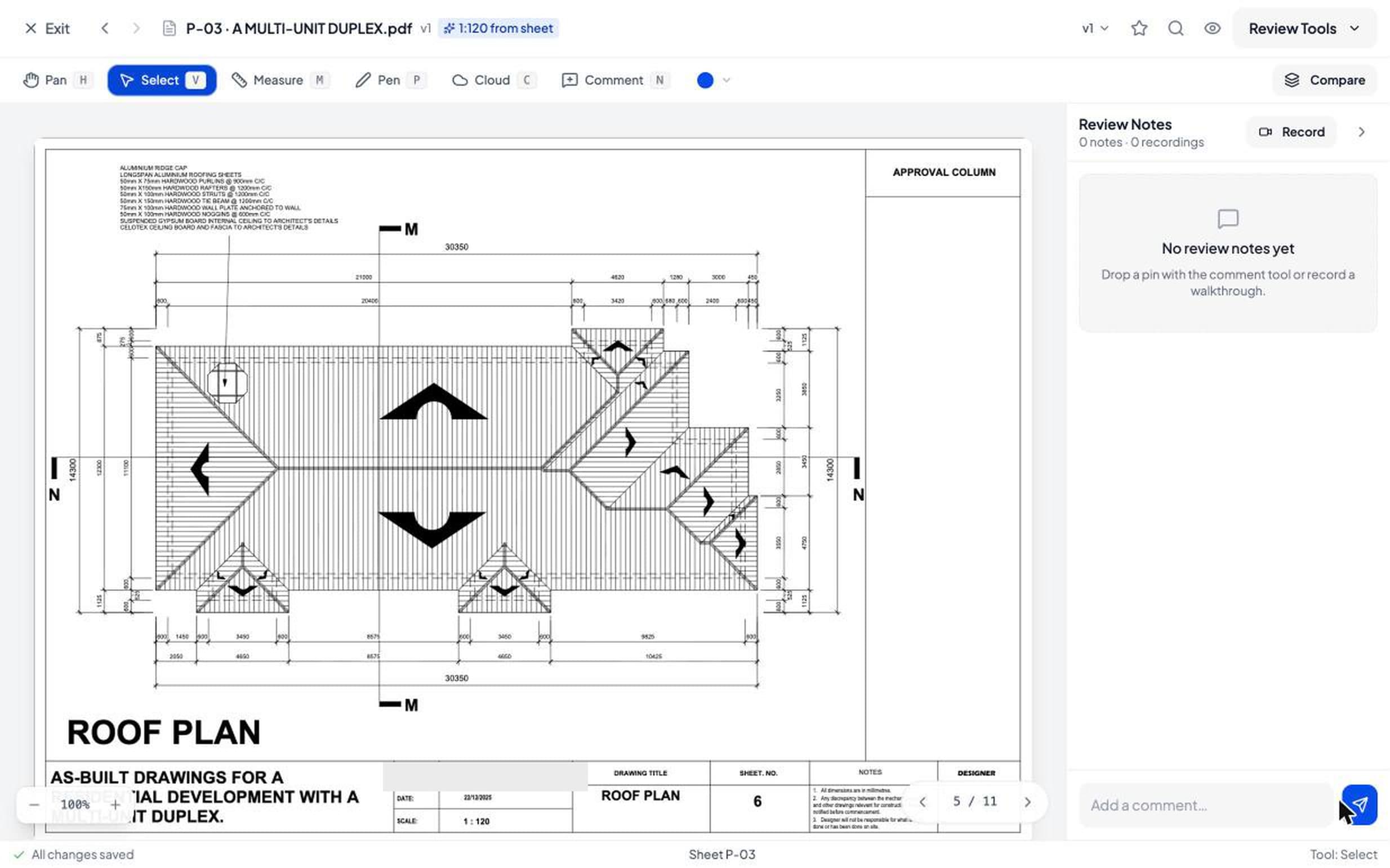
Mark up the sheet, measure off it
Pan, measure, pen, cloud and comment on the drawing itself. The sheet scale is read off the title block, so a measurement comes back in millimetres rather than pixels.
- Scale read from the sheet
- Revisions compared
- Markups pinned to a revision
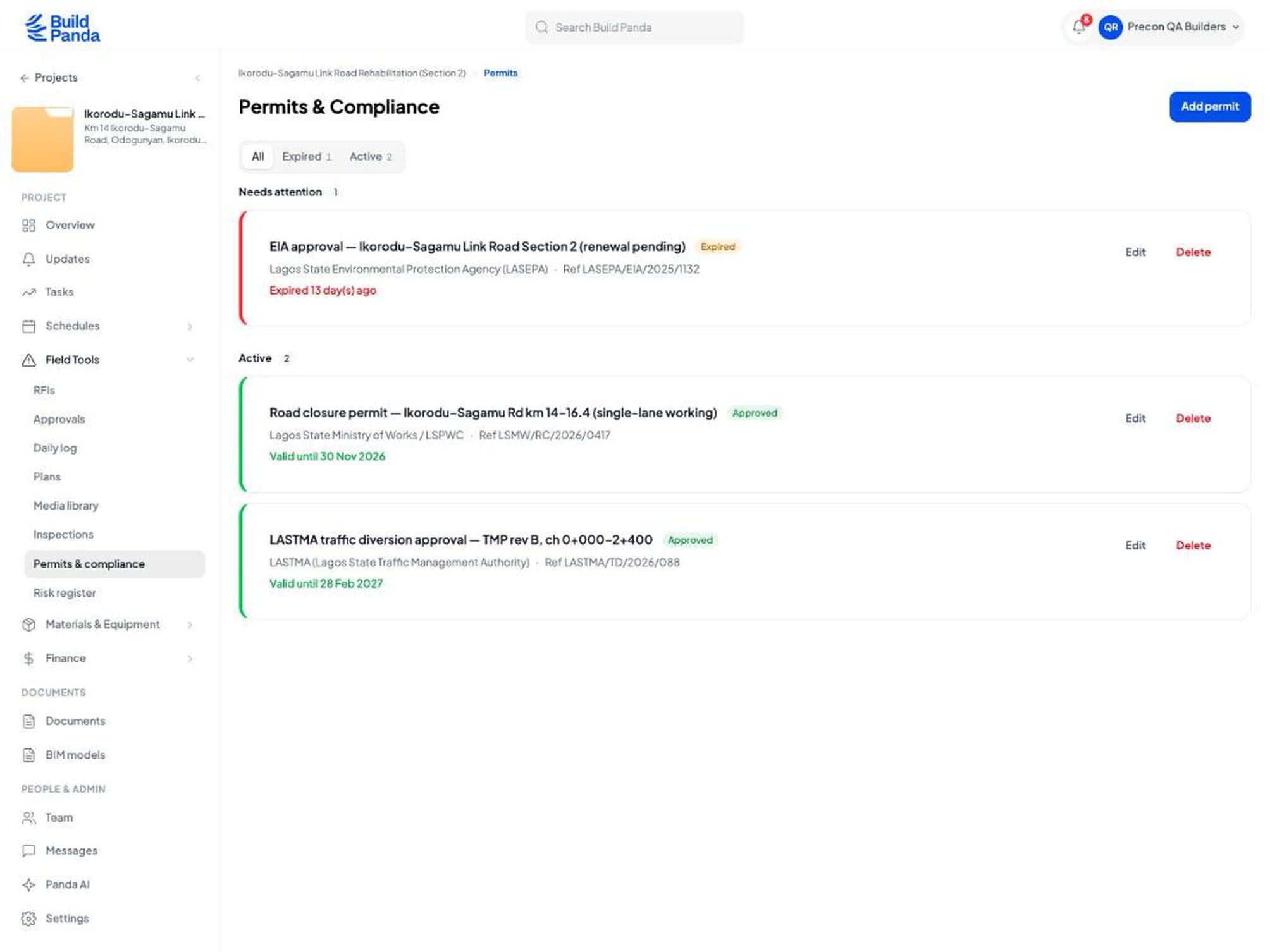
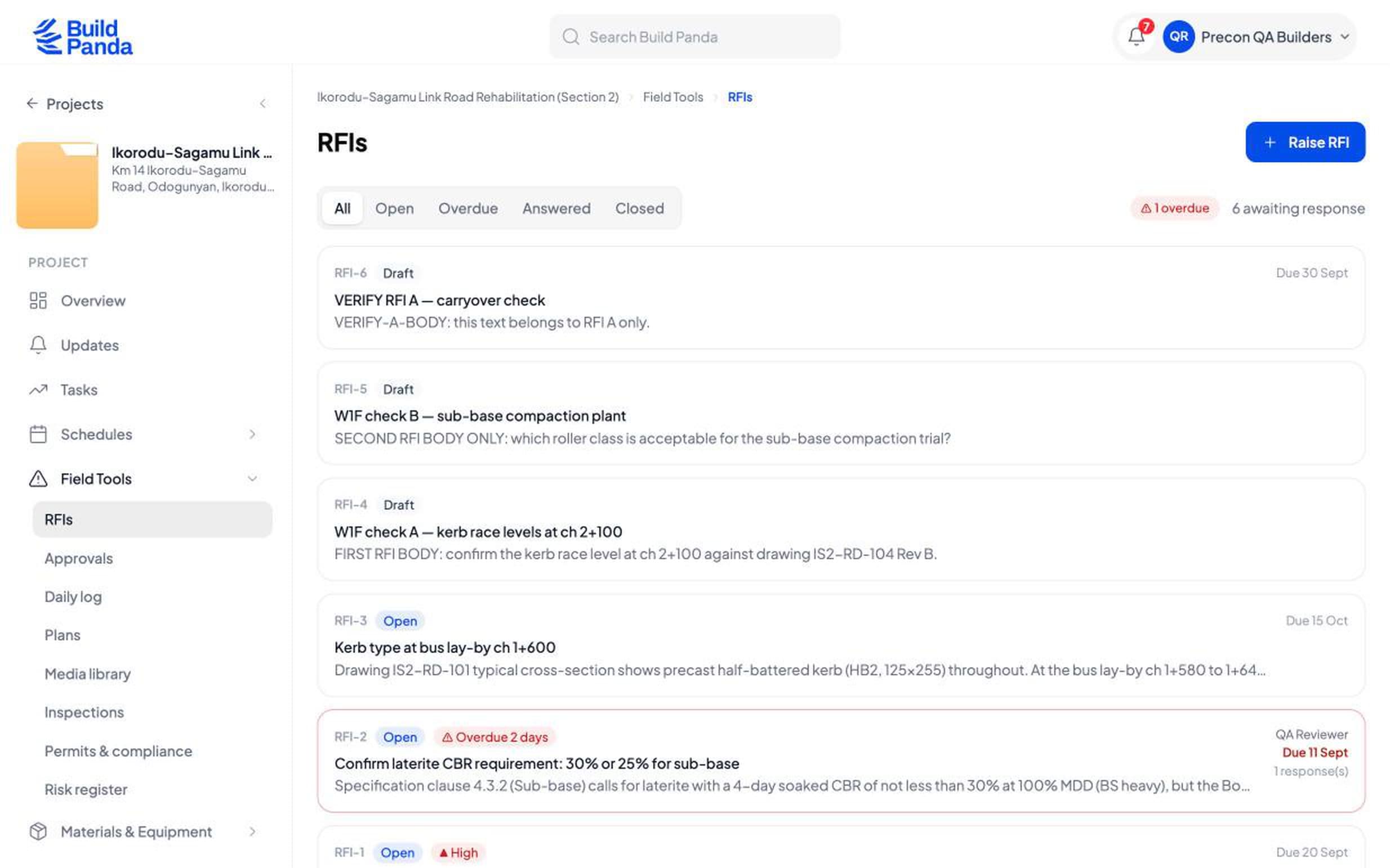
The question and the answer live on the record
An RFI carries who asked, what was asked, the drawing it is against, when it is due and who has answered. Nothing important stays in somebody's inbox.
- Overdue flagged
- Responses counted
- Raised against a drawing
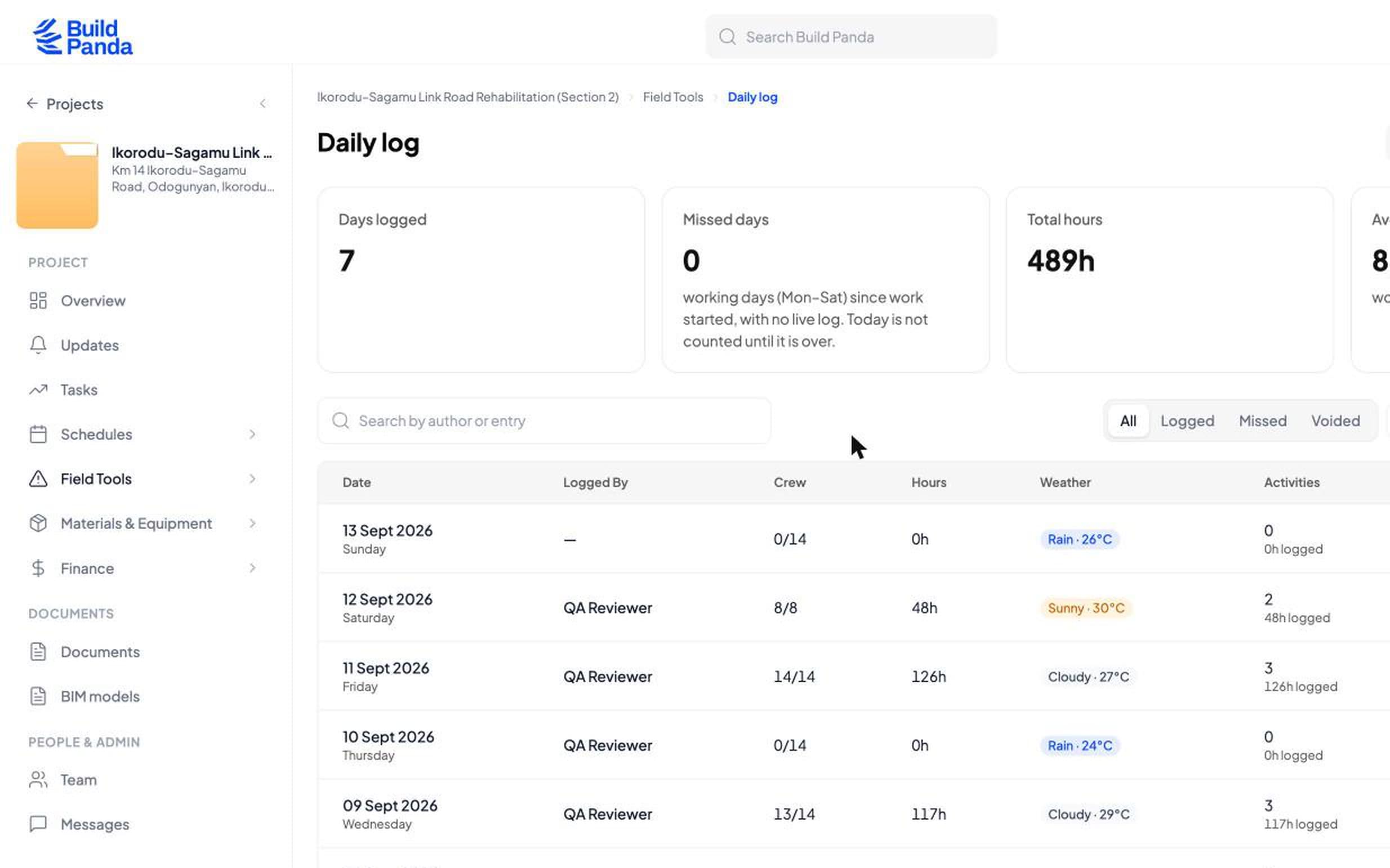
The day gets written down while it is still the day
Weather, crew against crew expected, hours, and which activities those hours went on. It works on a phone on site and becomes the week's report without anyone retyping it.
- Crew and hours
- Weather
- Hours against activities
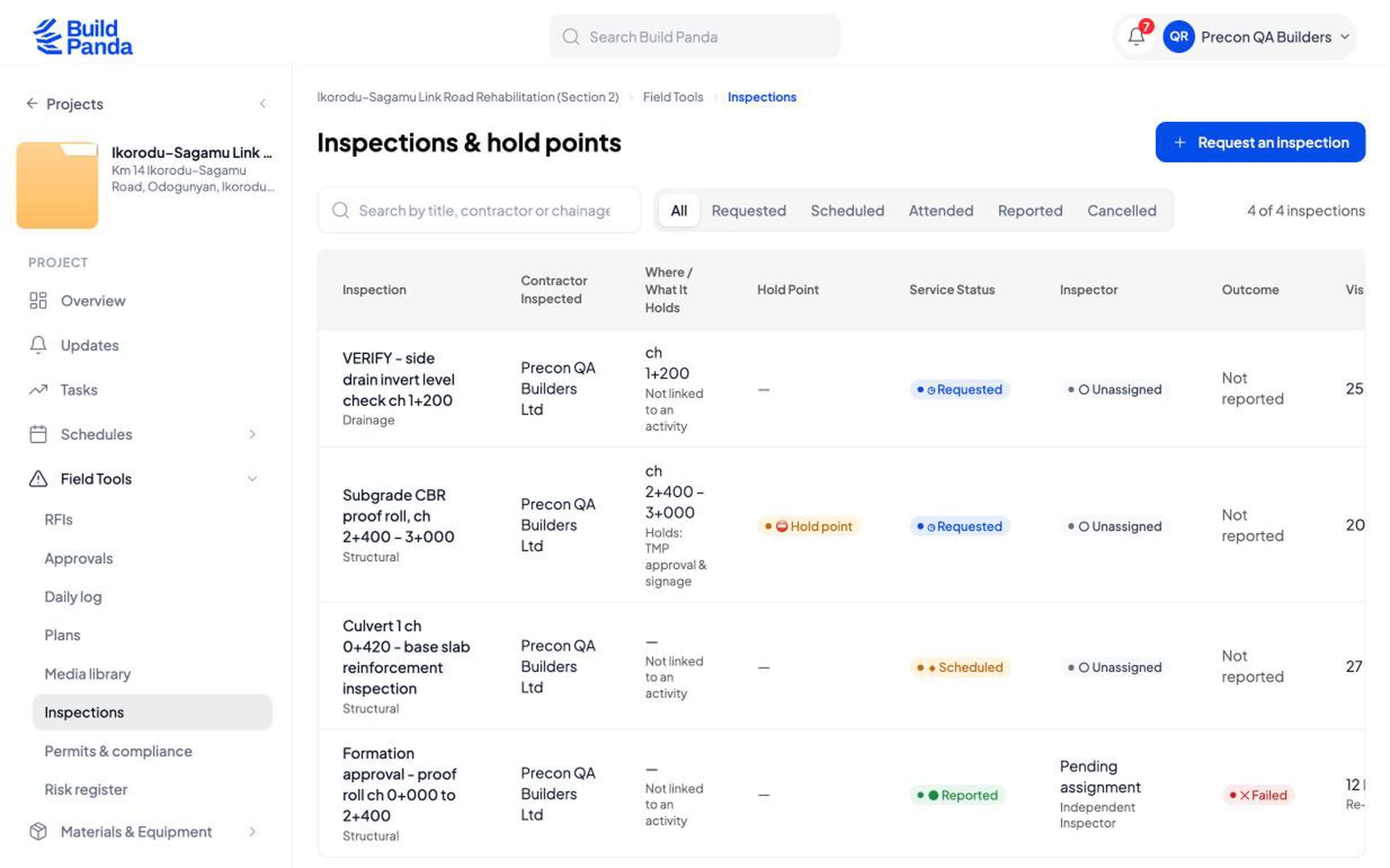
An inspection you can request
One side requests it, BuildPanda assigns the inspector, and the report cannot be changed by the contractor it covers. A hold point stops the next operation until it clears.
- Hold points
- Pass or fail
- Named inspector
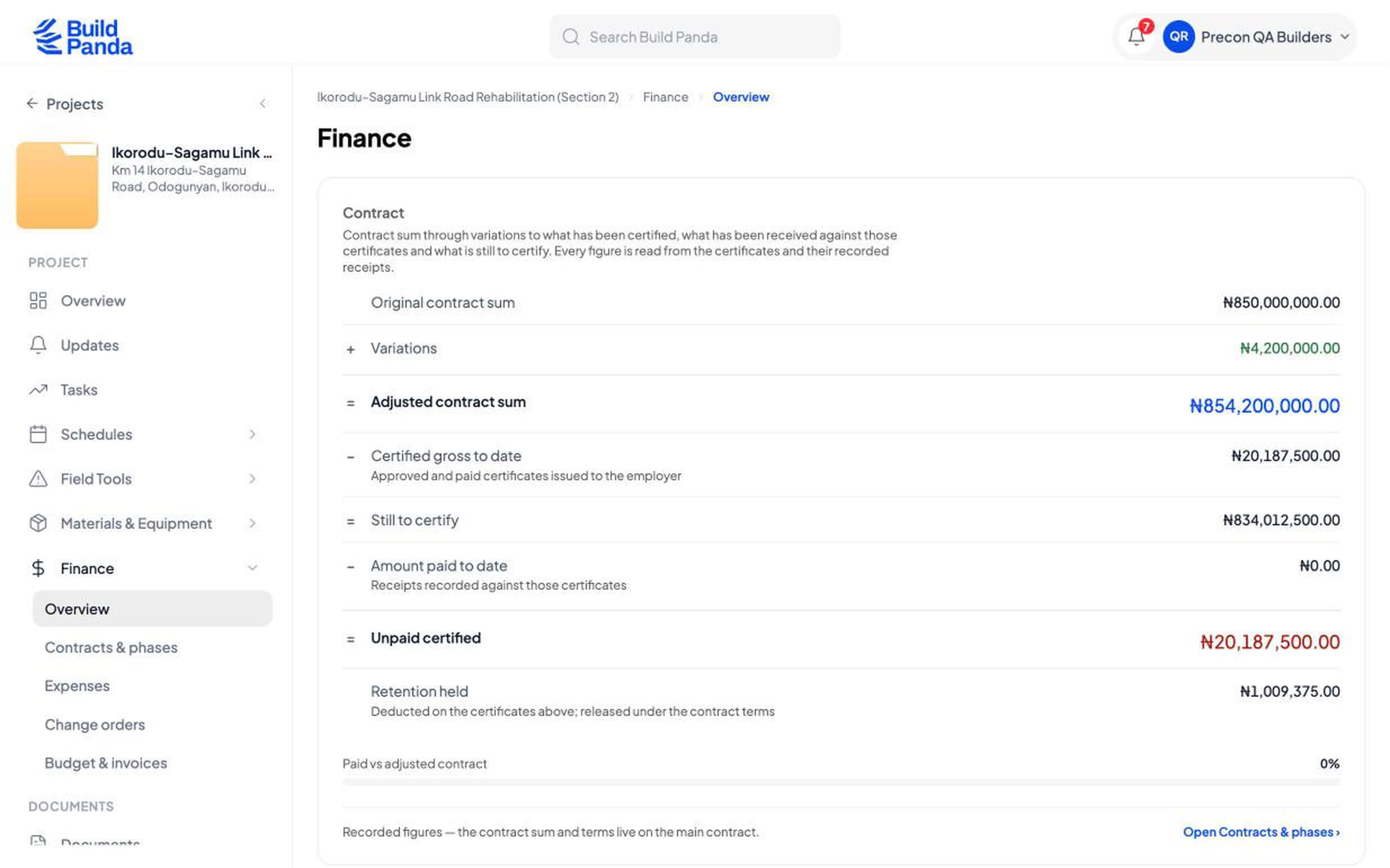
One contract position, not four spreadsheets
Original sum, variations, certified to date, still to certify, paid, unpaid certified and retention held, each read from the certificates behind it.
- Variations
- Retention held
- Unpaid certified
Ask the project a question.
It answers from the project's own record, not from the internet and not from a summary somebody typed. If the record does not hold the answer, it says so.
Pre-construction take-off
Questions people actually ask
What does it cost?
We are early, so there is no published price list: tell us about the job on the demo call and we will give you the number. Pricing is per project and scales with contract value, so a small job costs less than a large one. Inspections are quoted per visit. No implementation fee while we are early.
Do you sell software, or do you build?
Both, and they are separate. Most people come for the software and run their own jobs on it. Some ask us to run the build instead, and then we scope it, appoint the trades and manage the site, reporting to you as we go. You are never signed up to one by buying the other.
If you build it, who inspects it?
Not the people building it. An inspection is a job BuildPanda is asked to do: one side of the contract requests it, BuildPanda assigns the inspector, and the inspector attends and issues the report with a pass or a fail and the findings behind it. The contractor being inspected can read that report and cannot change it — and that holds when the contractor is us.
Do you hold the money?
No. We are not a bank and not an escrow agent, and we do not hold or transfer funds. We record what was certified, what was paid and what it was paid against. The money moves through your own bank.
Does it work on a phone with bad signal?
The site app holds the day's work on the device and sends it when the signal comes back. Nothing is lost in the meantime.
Can it read our bill of quantities?
Bring it in and price against it. Send us a sample and tell us the standard it is written in before you start, and we will confirm what we can read today rather than find out on your first job.
We already use Primavera. Do we throw it away?
No. Keep the programme where it is and bring the dates in. Send us a sample of your export and we will tell you what comes through.
You are new. What happens if you disappear?
Ask for an export before you sign up and we will show you what comes out. Transactions come out as a spreadsheet file and the programme as a file your planning tool can open. Ask us about anything else and we will tell you straight what we can hand over today.