For Contractors & Builders
Win more work and deliver it without the chaos
This is the software you run your own builds on. Win work with professional proposals, then manage the project, the schedule and the finances from a single dashboard
Book a Demo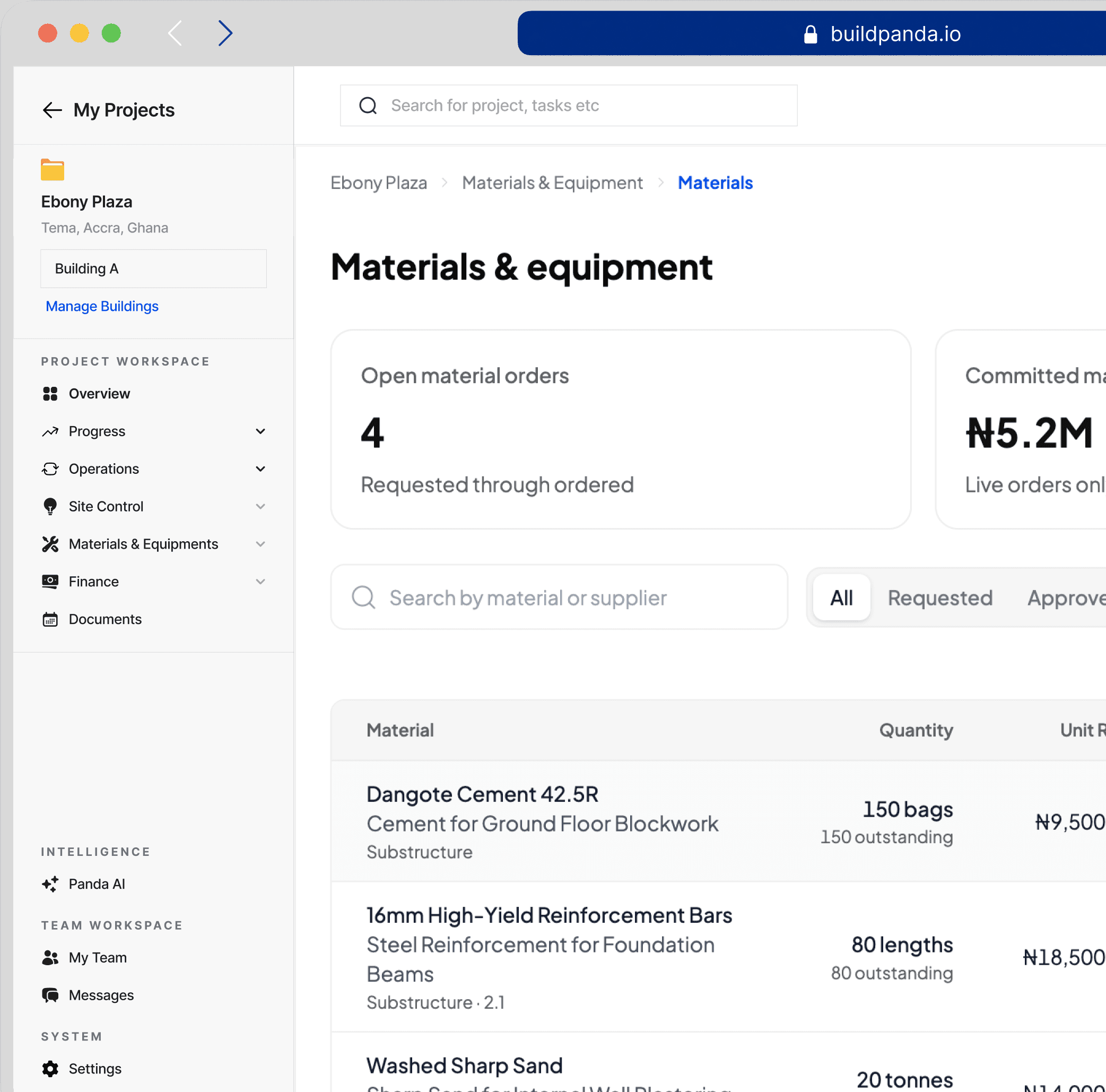
Win the work
Give your clients a polished, professional experience from their very first enquiry.
Leads and Pipelines
Capture every enquiry and track it from new to won so no opportunity is lost.
Proposals and Estimates
Build precise, line-by-line estimates and bills of quantities. Send branded proposals clients can accept online.
One-click handoff
Turn an accepted proposal into a live construction project instantly, with budget and milestones ready to go.
Our Solutions
Everything you need
Explore Product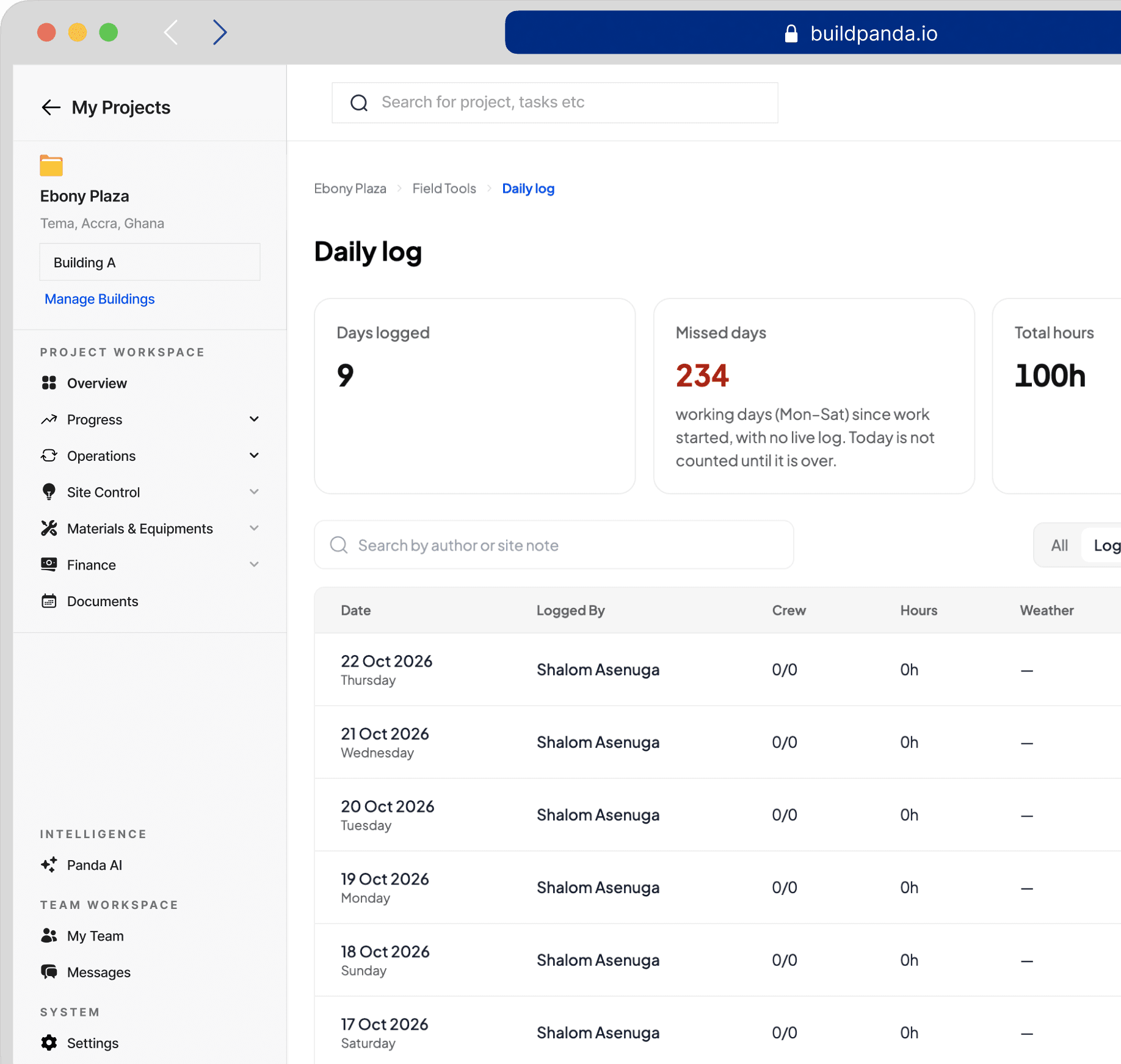
Daily Log
Keep a clear record of daily site activities, crew attendance, working hours, and progress updates, so nothing happening on-site goes unnoticed.
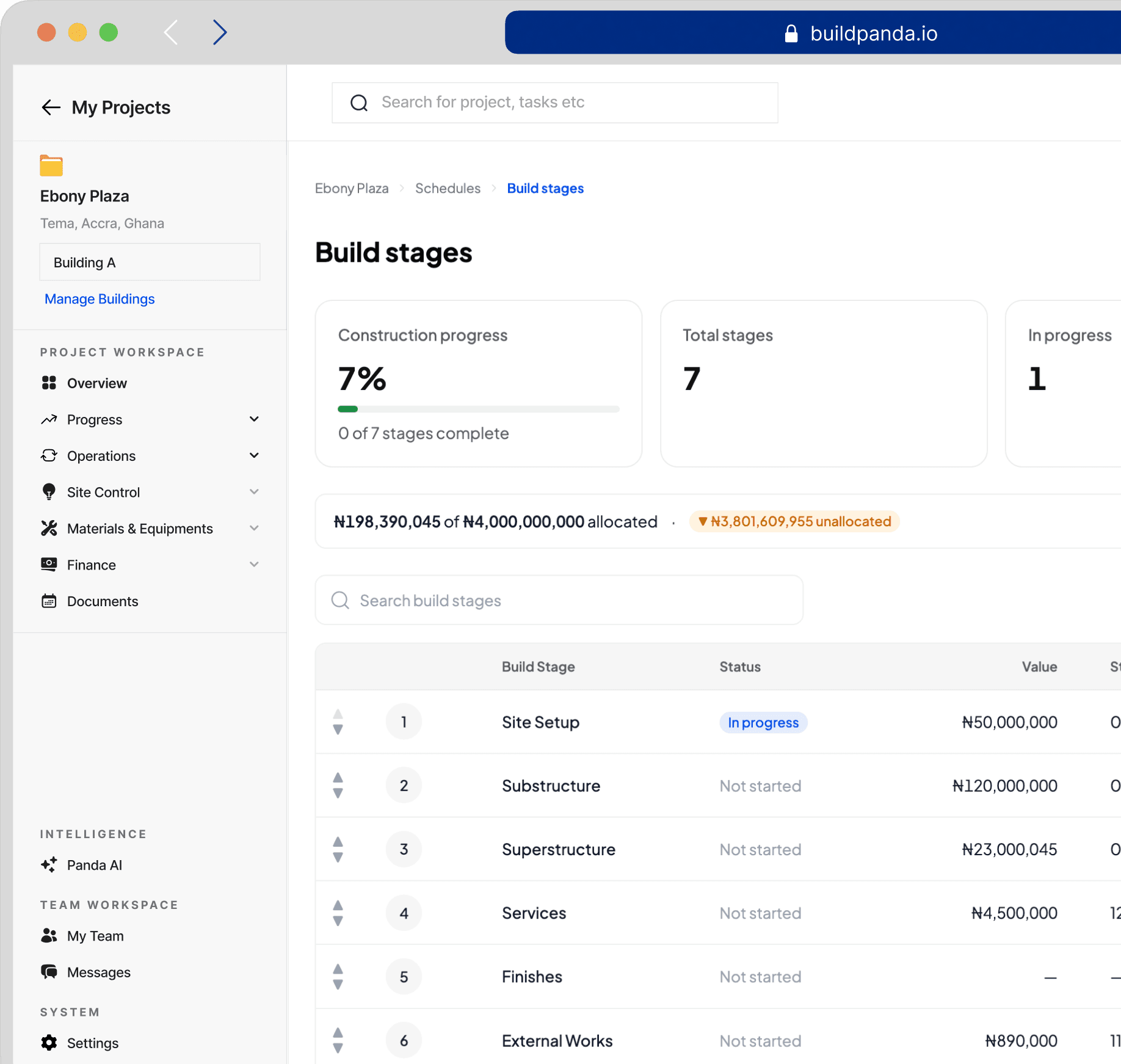
Build Stages
Break your project into manageable stages, track construction progress, and keep every phase organized from start to finish.
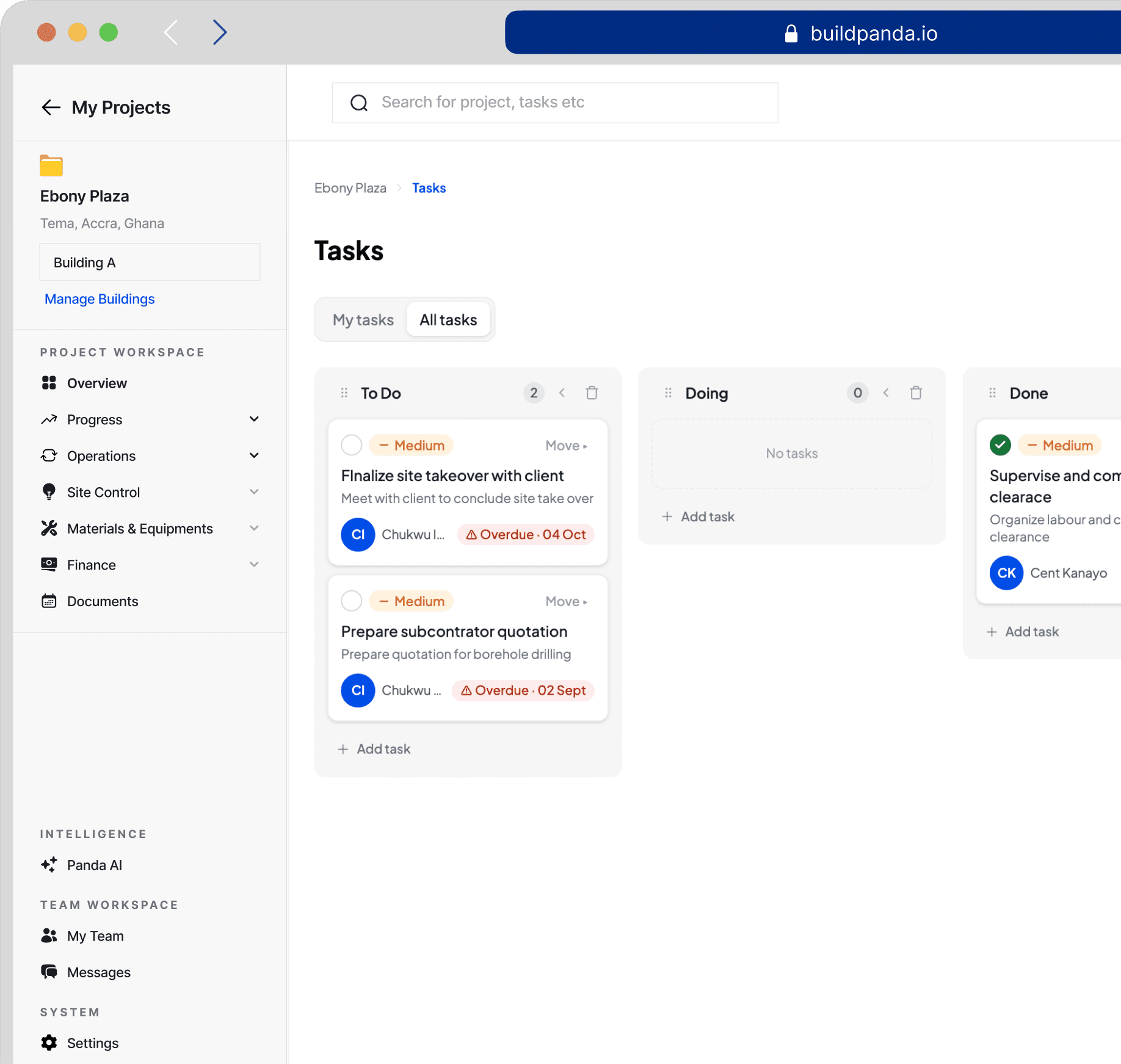
Tasks
Assign responsibilities, set deadlines, and track tasks in real time to keep your team aligned and work moving forward.
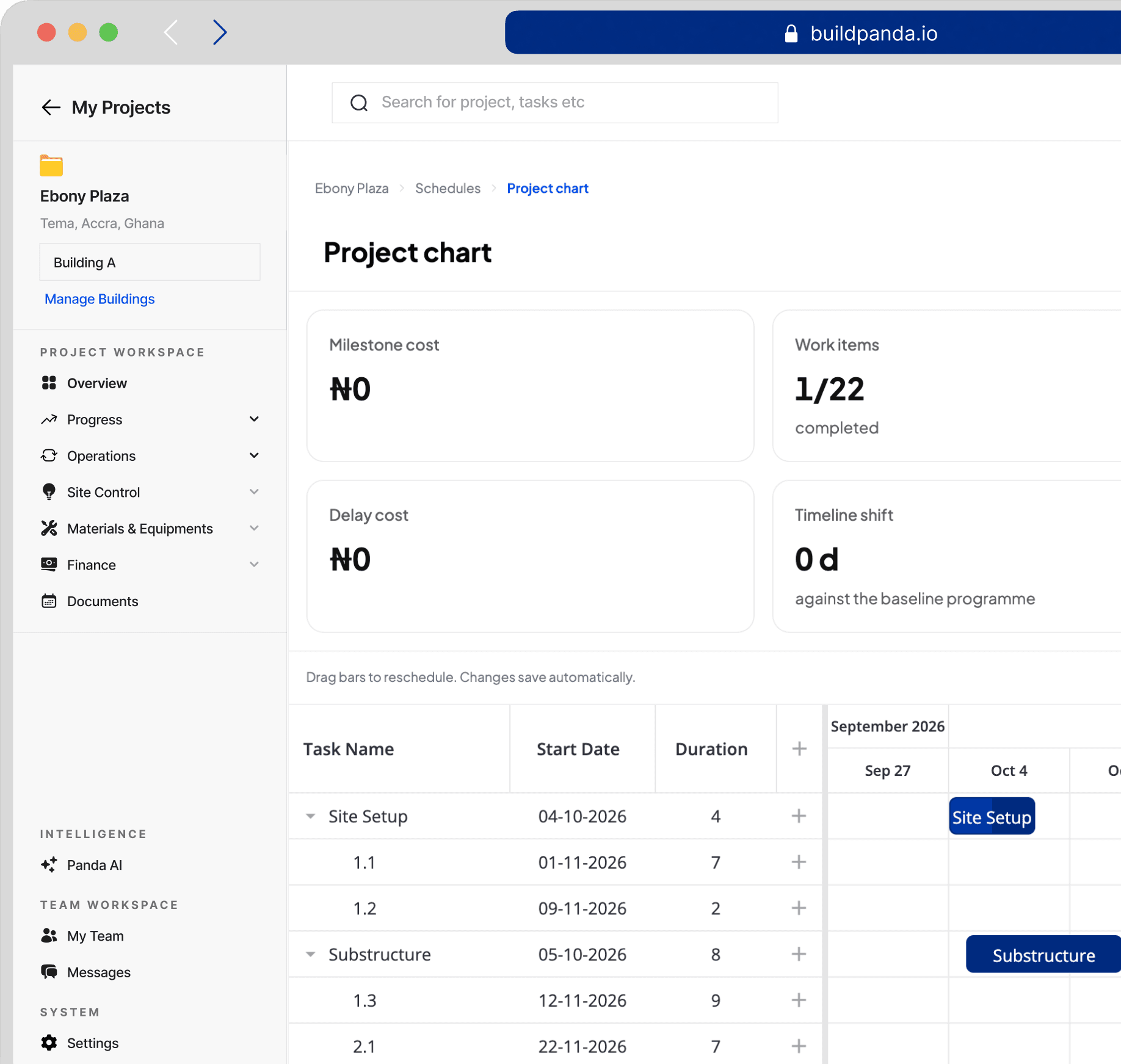
Project Chart
Visualize your entire construction timeline, manage schedules, and track milestones to keep your project on course.
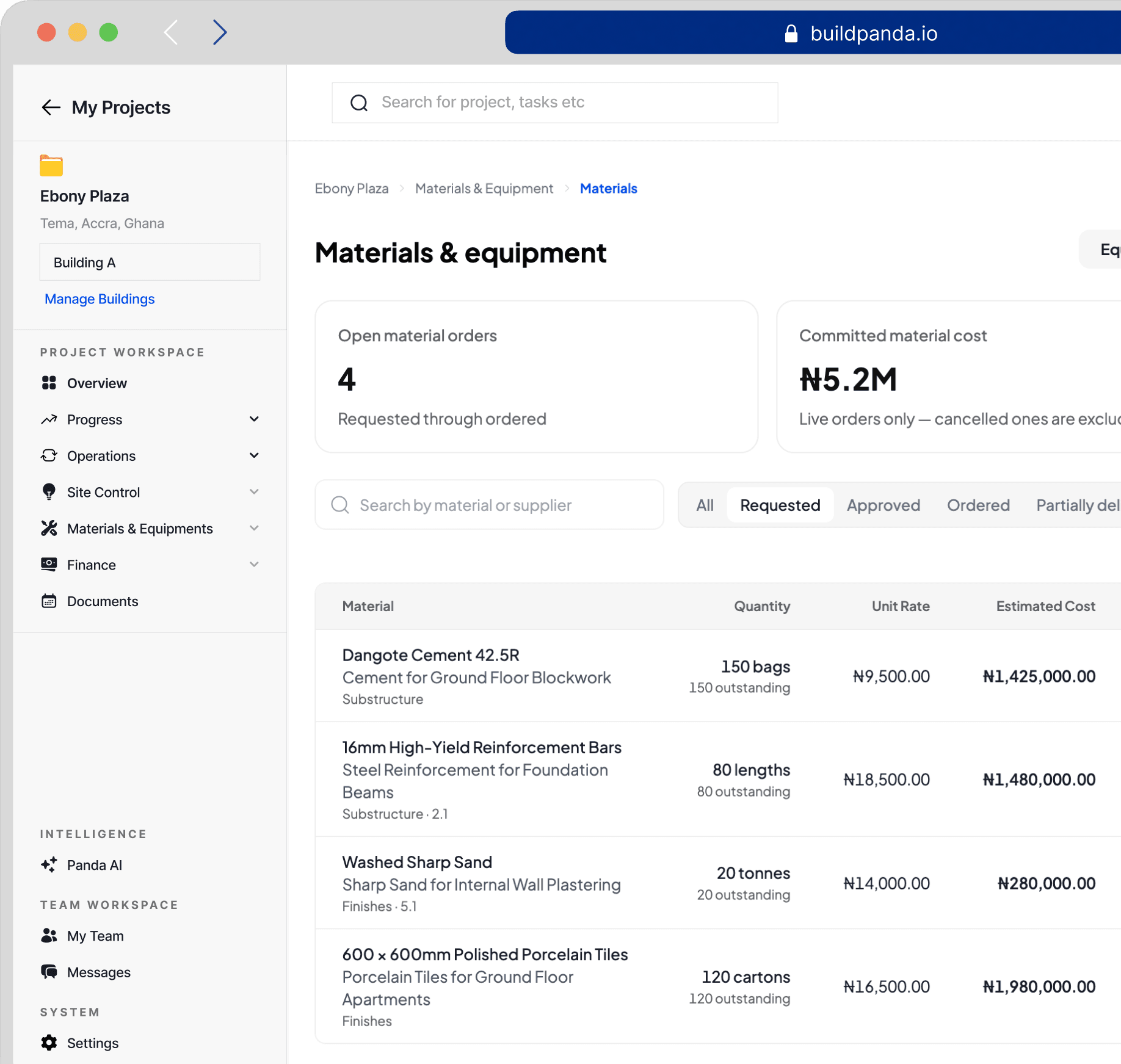
Materials & Equipments
Manage material orders, track deliveries, and monitor costs to ensure your site has everything it needs, when it needs it.
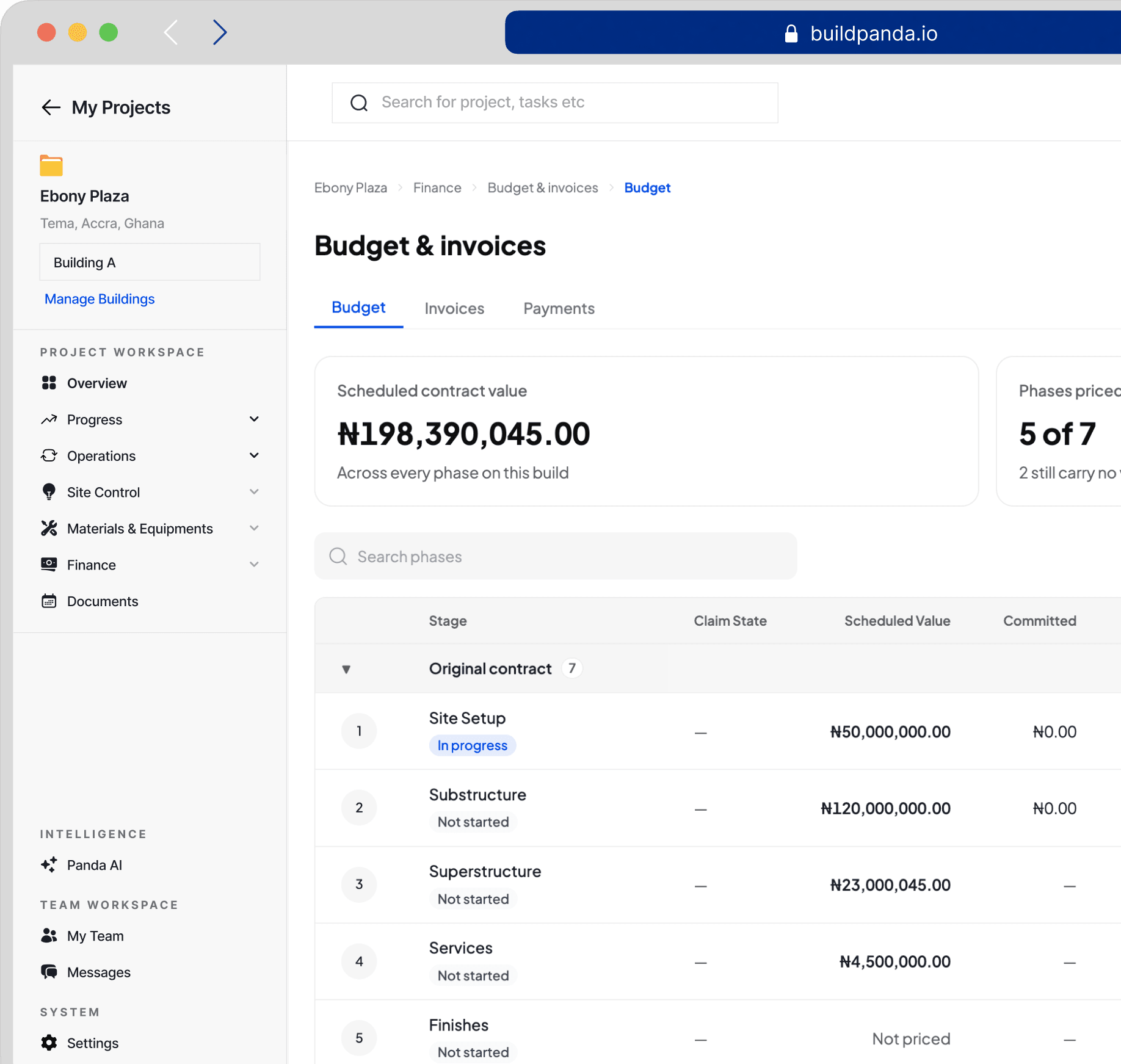
Budget and Invoices
Stay in control of project finances. Track budgets, manage invoices, and monitor spending across every stage of construction.
FAQ
Frequently Asked Questions
What contractors and owners ask before they run a build on BuildPanda. Type your own question and, if it isn't here, send it to the team.
We are early, so there is no published price list: tell us about the job on the demo call and we will give you the number. Pricing is per project and scales with contract value, so a small job costs less than a large one. Inspections are quoted per visit. No implementation fee while we are early.
Both, and they are separate. Most people come for the software and run their own jobs on it. Some ask us to run the build instead, and then we scope it, appoint the trades and manage the site, reporting to you as we go. You are never signed up to one by buying the other.
Not the people building it. An inspection is a job BuildPanda is asked to do: one side of the contract requests it, BuildPanda assigns the inspector, and the inspector attends and issues the report with a pass or a fail and the findings behind it. The contractor being inspected can read that report and cannot change it — and that holds when the contractor is us.
No. We are not a bank and not an escrow agent, and we do not hold or transfer funds. We record what was certified, what was paid and what it was paid against. The money moves through your own bank.
Supported mobile workflows can use eligible, server-verified access while disconnected. Offline permission snapshots are valid for at most 24 hours after server verification. Access is refreshed on reconnect and queued work is authorised again by the server. A cached login alone does not grant offline project access.
Bring it in and price against it. Send us a sample and tell us the standard it is written in before you start, and we will confirm what we can read today rather than find out on your first job.
No. Keep the programme where it is and bring the dates in. Send us a sample of your export and we will tell you what comes through.
Ask for an export before you sign up and we will show you what comes out. Transactions come out as a spreadsheet file and the programme as a file your planning tool can open. Ask us about anything else and we will tell you straight what we can hand over today.
Book a Consultation
Tell us about your project
Tell us about your company and the job you want to run. We will set it up on BuildPanda and walk your team through it, from the first estimate to handover, with no obligation.